ReactQuiz: Mastering Component Architecture and State Management in Modern React
An interactive quiz application built with pure React that demonstrates advanced hook usage, precise timer synchronization, and declarative UI rendering without external dependencies.
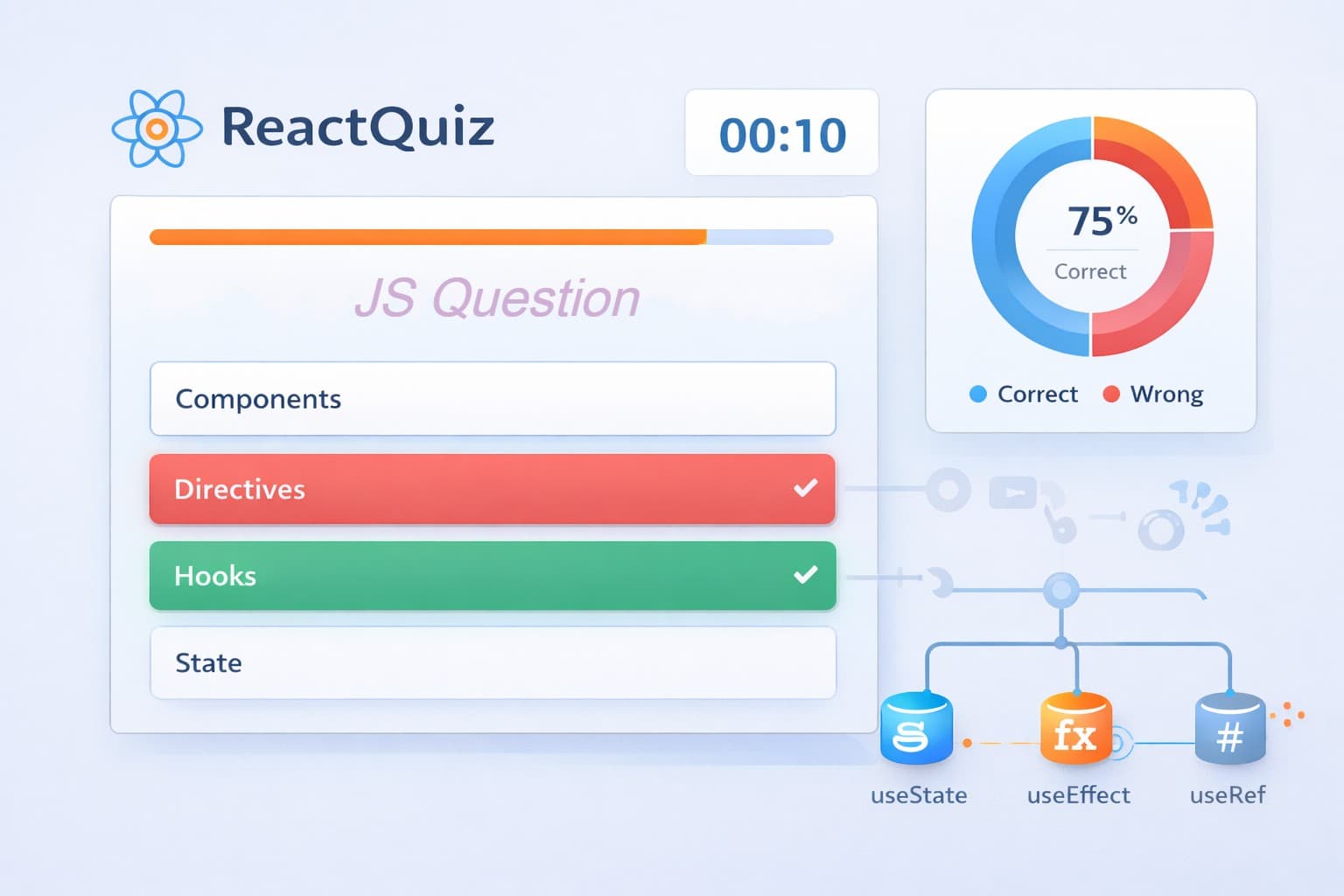
ReactQuiz: Building Interactive UIs with Pure React
🚀 Live Demo: Test Your Knowledge Now!
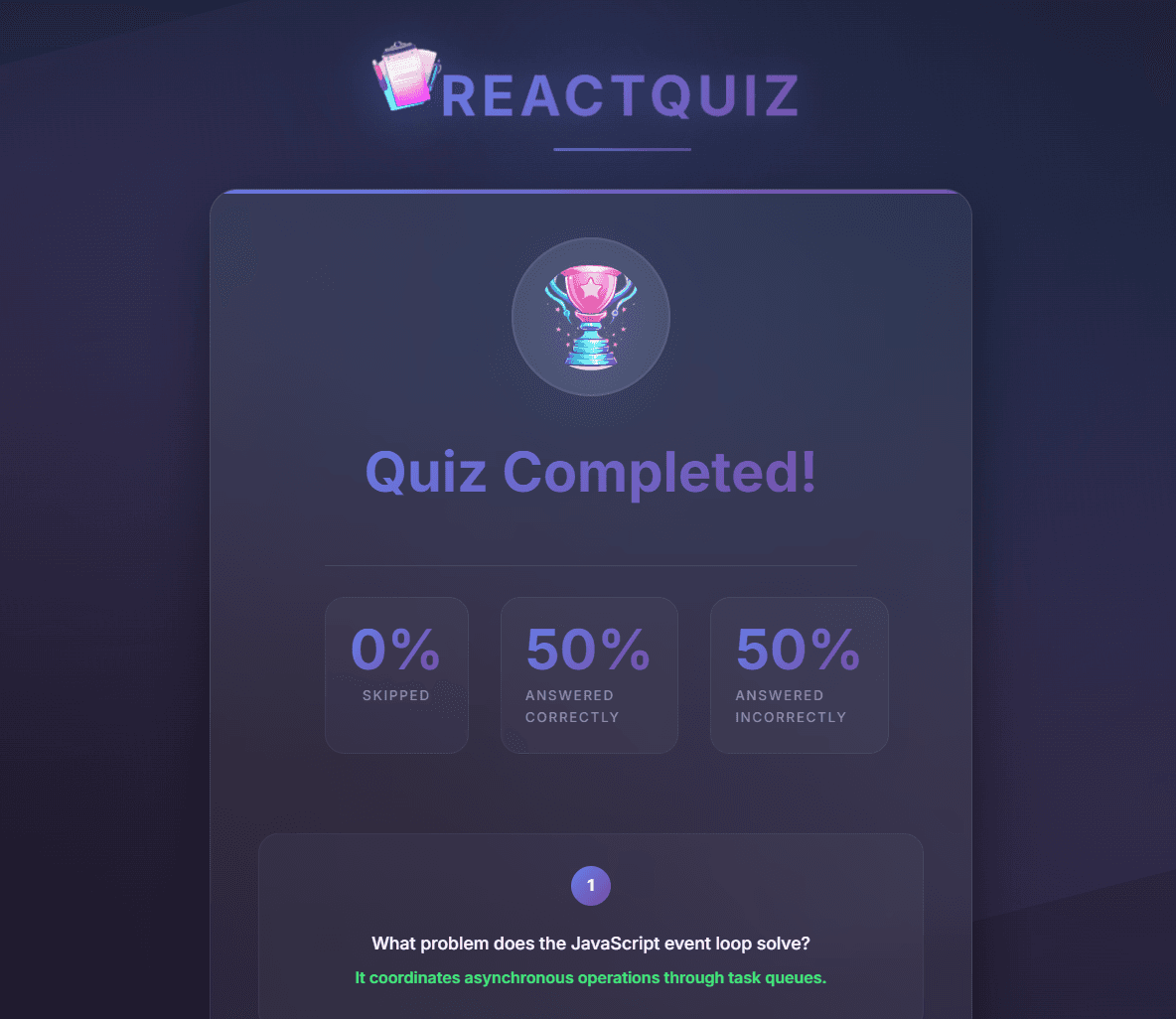
📸 Project Preview
Experience the complete quiz flow with timer, answer selection, and final statistics
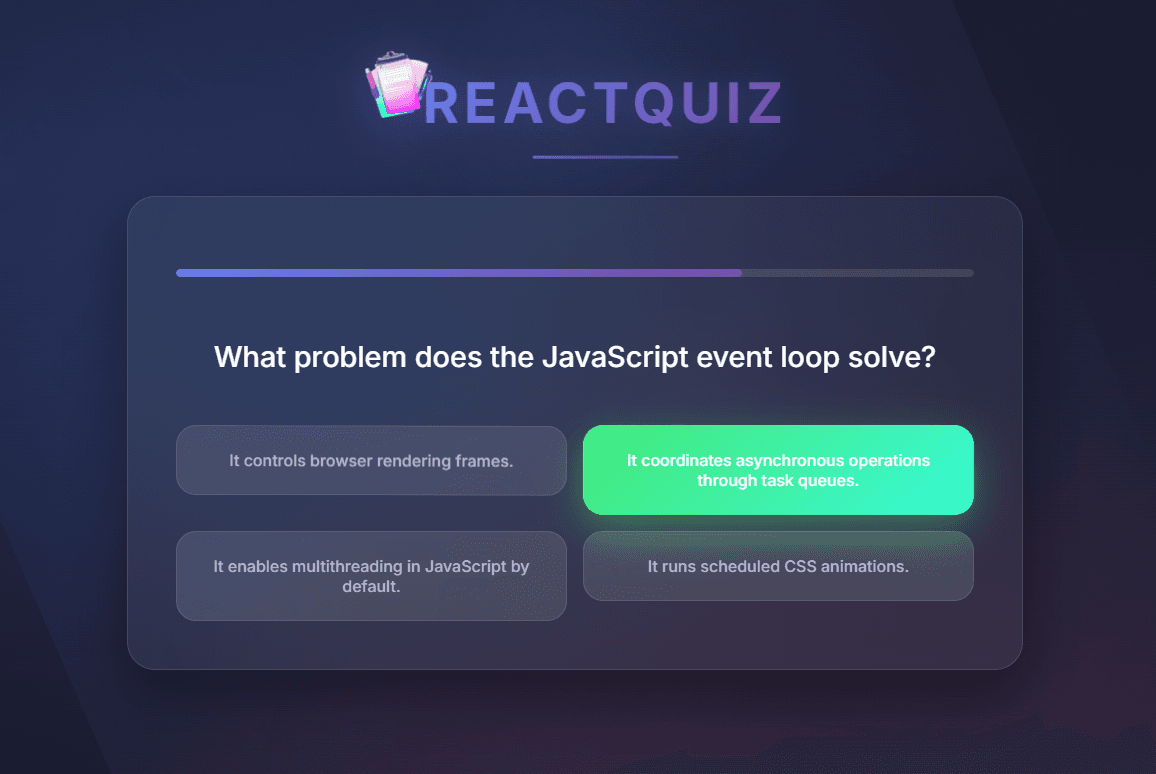
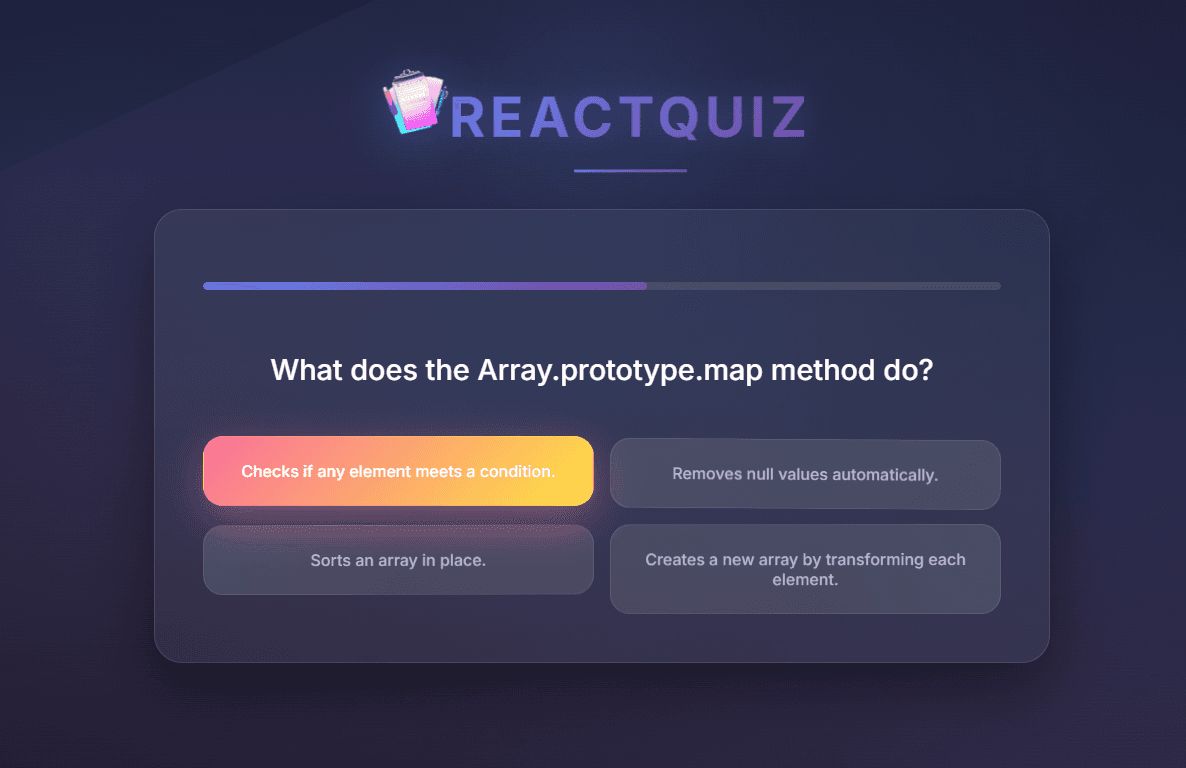
🎯 Project Overview
ReactQuiz is an interactive quiz application that showcases modern React development patterns using only built-in React features. The application presents a series of timed questions where users must select answers before time expires. Each interaction demonstrates sophisticated state management, visual feedback synchronization, and component composition—all achieved without external state management libraries.
The project emphasizes a pure, predictable, and reactive design where all transitions, delays, and correctness checks are handled internally through React hooks.
✨ Core Features
Step-by-Step Quiz Flow
Questions appear sequentially with automatic progression after either answer selection or timeout expiration. This creates a smooth, uninterrupted user experience where the application state drives the entire flow.
Dynamic Timer Component
The QuestionTimer component manages countdown logic and triggers skip events when time expires. This component demonstrates precise time synchronization with React's rendering cycle.
Visual State Transitions
Answers transition through multiple visual states:
answered– answer selected but not yet validatedcorrect/wrong– validation result displayed- Next question – automatic progression after a brief delay
These transitions are synchronized through nested setTimeout calls within React's useEffect hooks.
Smart Answer Validation
Correct answers are validated dynamically against question data. The application compares the selected answer with the correct one stored in the question data structure.
Optimized Answer Randomization
Answer choices are shuffled once per question using useRef to cache the shuffled array, preventing unnecessary re-renders when only timer updates occur.
Detailed Statistics Dashboard
The Summary component analyzes answer history and displays calculated percentages of skipped, correct, and wrong answers, providing users with clear performance feedback.
Modular Component Architecture
The application follows a clean component structure:
App– Application layout containerHeader– Logo and title displayQuiz– Main quiz progression managerQuestion– Handles answer selection and validation logicAnswers– Renders answer options with visual feedbackQuestionTimer– Time tracking and countdown logicSummary– Post-quiz analytics and results overview
🛠️ Technical Implementation
State Management Strategy
The application uses a combination of local component state and lifted state to manage the quiz flow:
javascript// From Quiz.jsx - Main state management const [userAnswers, setUserAnswers] = useState([]); const activeQuestionIndex = userAnswers.length; const quizIsComplete = activeQuestionIndex === QUESTIONS.length;
Timer Synchronization Logic
The QuestionTimer component uses two separate useEffect hooks: one for the timeout callback and another for the visual progress indicator:
javascript// From QuestionTimer.jsx useEffect(() => { const timer = setTimeout(onTimeout, timeout); return () => clearTimeout(timer); }, [timeout, onTimeout]); useEffect(() => { const interval = setInterval(() => { setRemainingTime((prev) => prev - 100); }, 100); return () => clearInterval(interval); }, []);
Answer State Transitions
The Question component manages complex answer state transitions using sequential timeouts:
javascript// From Question.jsx - Answer handling logic if (answer.selectedAnswer) { timer = 1000; } if (answer.isCorrect !== null) { timer = 2000; } function handleSelectAnswer(answer) { setAnswer({ selectedAnswer: answer, isCorrect: null }); setTimeout(() => { setAnswer({ selectedAnswer: answer, isCorrect: QUESTIONS[index].answers[0] === answer, }); setTimeout(() => { onSelectAnswer(answer); }, 2000); }, 1000); }
🏗️ Architecture & Design Principles
Component Re-initialization with Keys
The timer component receives a dynamic key={timer} prop that forces React to re-mount the component when the timeout value changes, ensuring clean timer resets between questions.
Purely Declarative Logic
The UI is always derived from component state. When state changes, React automatically re-renders the appropriate components with updated visual representations.
Stateless Parent, Stateful Children
The main Quiz component orchestrates data flow through props while maintaining minimal internal state. Child components like Question manage their own complex state transitions.
No Global Store Dependencies
Each component manages its own lifecycle and behavior without relying on external state management libraries like Redux or Context API for cross-component communication.
Deterministic Rendering
Identical inputs always yield the same visual and logical outcome, making the application predictable and easy to debug.
Strong Separation of Concerns
Timer logic, question rendering, and answer validation are implemented as independent, reusable units that communicate through clean interfaces.
📚 Educational Value
ReactQuiz serves as an excellent learning resource for mastering:
- State-driven rendering in React applications
- Hook-based logic control with
useState,useEffect,useCallback, anduseRef - Component communication patterns through props and callbacks
- Managing asynchronous state transitions in complex UIs
- Performance optimization techniques with
useReffor stable references
The codebase demonstrates practical implementation of timed user interactions, synchronized state transitions, and conditional rendering patterns using idiomatic, modern React.
🚀 Get Started
- Live Application: https://r-quiz-beryl.vercel.app/
- Source Code: https://github.com/Figrac0/R-Quiz
Explore the code to see how pure React capabilities can create sophisticated, interactive applications without external dependencies. The project is particularly instructive for understanding how to coordinate multiple asynchronous operations within React's declarative paradigm.