Express GraphQL API with React Client – Full-Stack Posts Platform
Full-stack application combining Express and GraphQL with JWT authentication, image uploads, and a React client with pagination and post management.
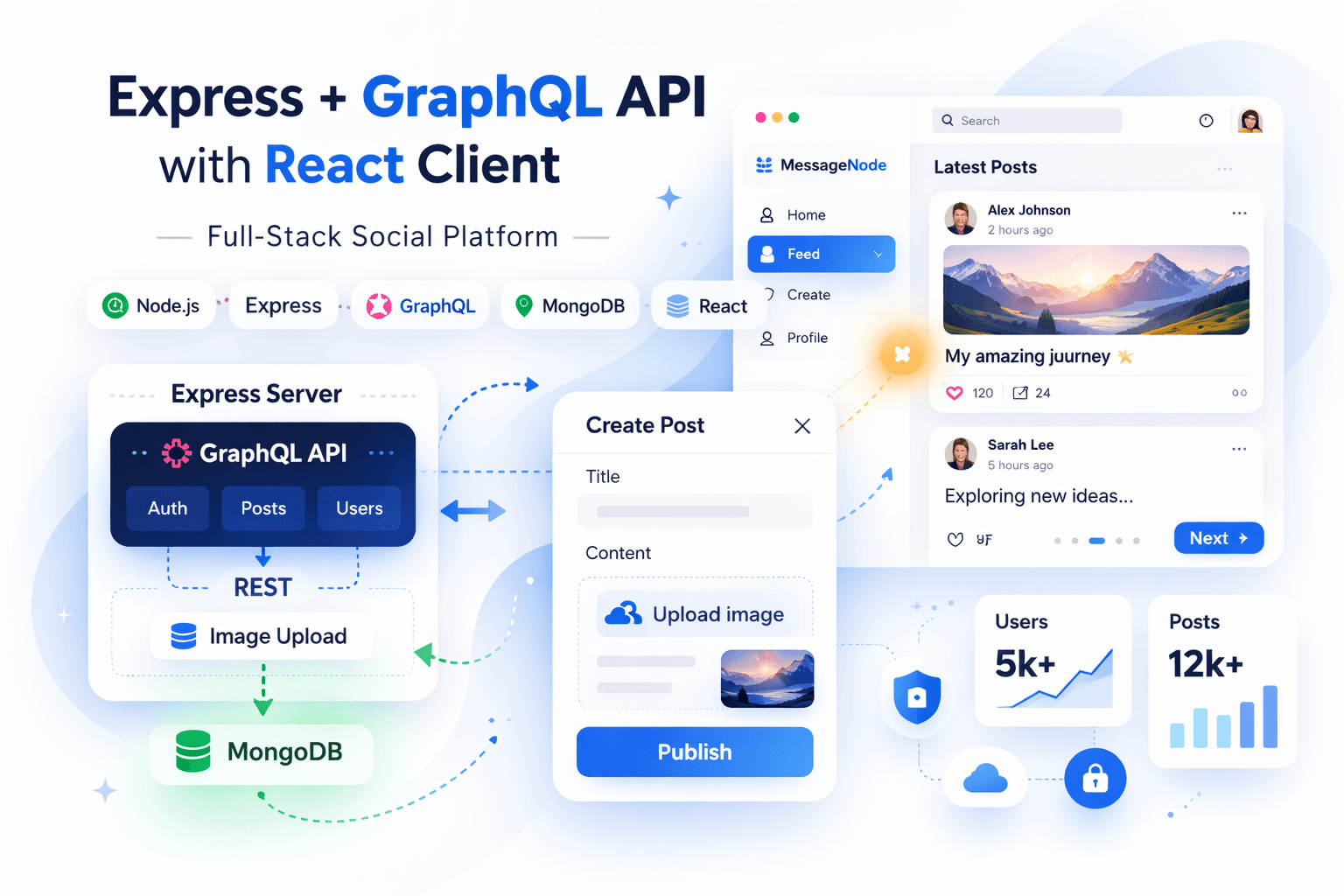
🛠️Technologies
Node.jsExpressGraphQLMongoDBMongooseReactJWTmulter
Express GraphQL API with React Client – Full-Stack Posts Platform
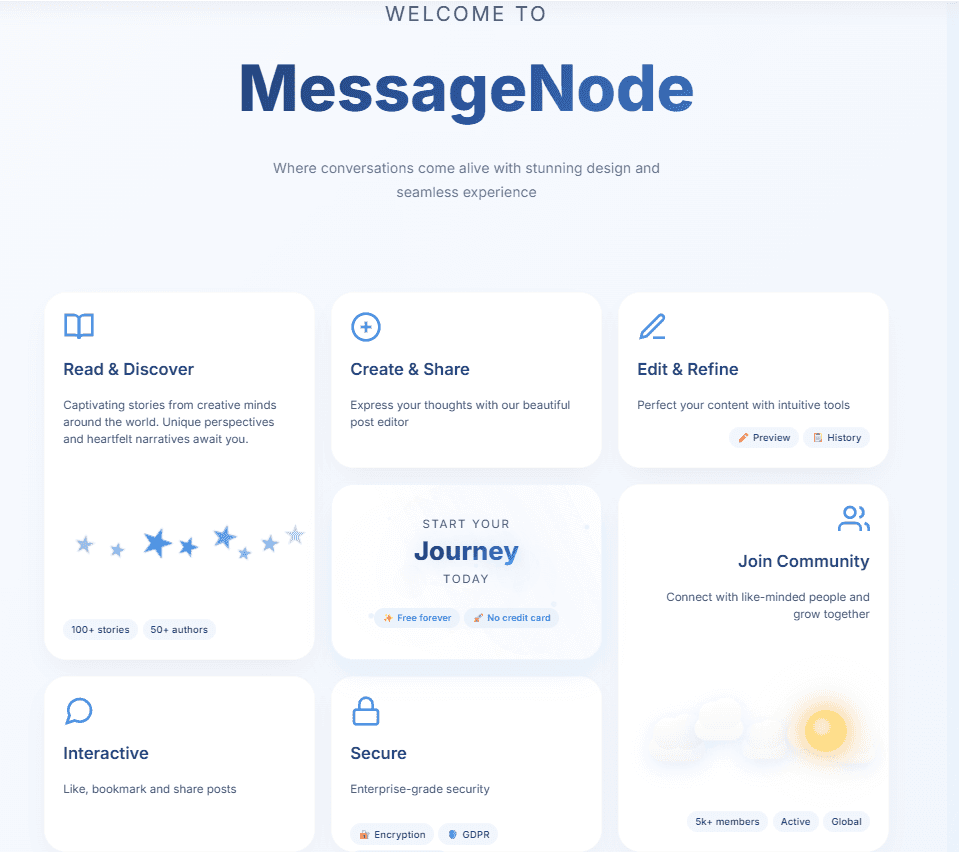
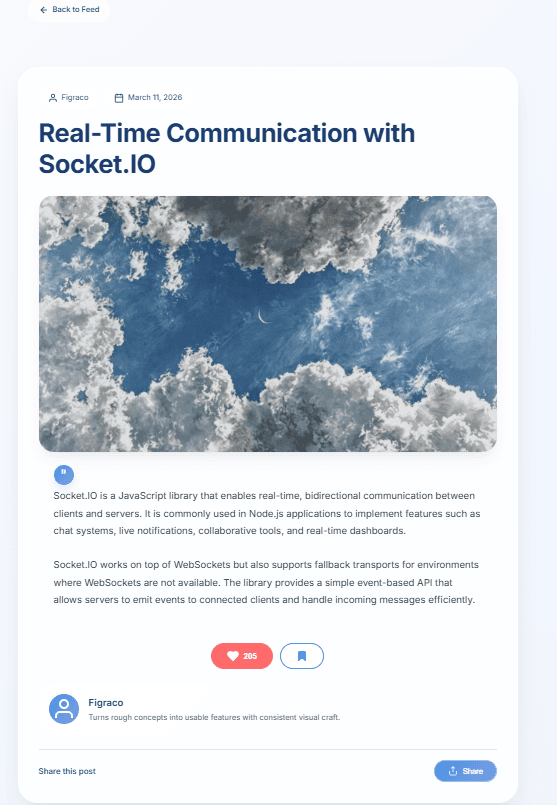
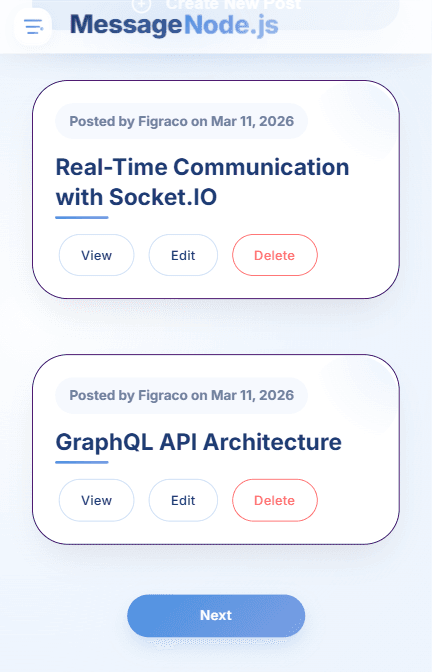
📸 Project Preview

🚀 Quick Links
- 🌐 Live Demo - Open the application
- 💻 GitHub Repository - Explore source code
📋 Table of Contents
- 🏗️ Architecture Overview
- 🔗 Express + GraphQL Integration
- 🔐 Authentication Flow
- 🖼️ Image Upload Pipeline
- 🎯 Core Features
- ⚙️ Backend Implementation
- 🧩 Frontend Implementation
- 🚀 Data Flow
🏗️ Architecture Overview
Hybrid Backend Design
The backend combines two paradigms:
- GraphQL - core business logic (auth, posts, user data)
- REST (Express) - infrastructure tasks (file uploads, static assets)
This separation ensures:
- clean API structure
- predictable data contracts
- simplified file handling
System Flow
textReact Client → Express Server → GraphQL Layer → Mongoose → MongoDB ↓ REST Endpoints (upload, static files)
🔗 Express + GraphQL Integration
GraphQL is mounted directly inside Express:
javascriptapp.use( "/graphql", graphqlHTTP({ schema: graphqlSchema, rootValue: graphqlResolver, graphiql: true, }), );
Execution Flow
- Express receives HTTP request
- Request is forwarded to GraphQL middleware
- Schema validation occurs
- Resolver executes business logic
- JSON response returned to client
GraphQL runs as a layer on top of Express, not as a separate service.
🔐 Authentication Flow
JWT-Based Authentication
Authentication is handled using JSON Web Tokens:
javascriptconst token = jwt.sign( { userId: user._id.toString(), email: user.email, }, "somesupersecretsecret", { expiresIn: "1h" }, );
Flow
- User logs in via GraphQL
- Server validates credentials with bcrypt
- JWT token is generated
- Token stored in
localStorage - Client sends token in headers:
javascriptAuthorization: "Bearer " + token;
Shared Auth Layer
Auth middleware injects:
req.isAuthreq.userId
Used by both:
- Express routes
- GraphQL resolvers
🖼️ Image Upload Pipeline
Why Not GraphQL
Binary uploads are handled outside GraphQL using Express and multer.
Upload Endpoint
textPUT /post-image
Implementation
javascriptapp.put("/post-image", (req, res, next) => { if (!req.isAuth) { throw new Error("Not authenticated!"); } if (!req.file) { return res.status(200).json({ message: "No file provided!" }); } return res.status(201).json({ message: "File stored.", filePath: `images/${req.file.filename}`, }); });
Flow
- Client uploads file via
FormData - Express stores file in
/images - Server returns file path
- Client sends GraphQL mutation with
imageUrl
🎯 Core Features
User System
- Sign up / login
- JWT authentication
- Persistent auth via
localStorage - User status update
Post Management
- Create posts
- Edit posts
- Delete posts
- View posts with pagination
- View single post
Media Handling
- Image upload via Express
- Static file serving
- Image preview support
⚙️ Backend Implementation
Express Responsibilities
- JSON parsing
- middleware handling
- static file serving
- upload handling
- authentication middleware
- GraphQL mounting
javascriptapp.use(bodyParser.json()); app.use("/images", express.static(path.join(__dirname, "images")));
MongoDB with Mongoose
User Model
javascriptconst userSchema = new Schema({ email: String, password: String, name: String, status: String, posts: [{ type: Schema.Types.ObjectId, ref: "Post" }], });
Post Model
javascriptconst postSchema = new Schema( { title: String, imageUrl: String, content: String, creator: { type: Schema.Types.ObjectId, ref: "User" }, }, { timestamps: true }, );
GraphQL Schema
graphqltype RootQuery { login(email: String!, password: String!): AuthData! posts(page: Int): PostData! post(id: ID!): Post! user: User! }
Resolvers Logic
javascriptcreatePost: async function({ postInput }, req) { if (!req.isAuth) throw new Error("Not authenticated!"); const post = new Post({ title: postInput.title, content: postInput.content, imageUrl: postInput.imageUrl, creator: req.userId }); const createdPost = await post.save(); return { ...createdPost._doc, _id: createdPost._id.toString() }; }
🧩 Frontend Implementation
React SPA
Responsibilities:
- routing
- authentication state
- form handling
- API communication
- UI rendering
GraphQL Requests via Fetch
javascriptfetch("http://localhost:8080/graphql", { method: "POST", headers: { "Content-Type": "application/json", }, body: JSON.stringify(graphqlQuery), });
No Apollo Client - direct control over requests.
Post Creation Flow
Step 1 - Upload Image
javascriptfetch("http://localhost:8080/post-image", { method: "PUT", headers: { Authorization: "Bearer " + token, }, body: formData, });
Step 2 - GraphQL Mutation
graphqlmutation CreateNewPost { createPost(...) { _id title } }
🚀 Data Flow
Full Post Creation Flow
textUser Input → React Form → Image Upload (REST) ↓ Express + multer ↓ File saved (/images) ↓ GraphQL Mutation ↓ Mongoose → MongoDB ↓ Response → UI Update
🎯 Key Architectural Decisions
GraphQL for business logic
- centralized API
- strong schema contract
Express for infrastructure
- uploads
- static files
- middleware
JWT authentication
- stateless
- scalable
Manual fetch over Apollo
- full control
- minimal dependencies
Separation of concerns
- upload != data mutation
📊 What This Project Demonstrates
- Hybrid API design (GraphQL + REST)
- JWT authentication architecture
- File upload pipeline with multer
- Mongoose data modeling and relations
- Full-stack React + Node integration
- Real-world request flow orchestration